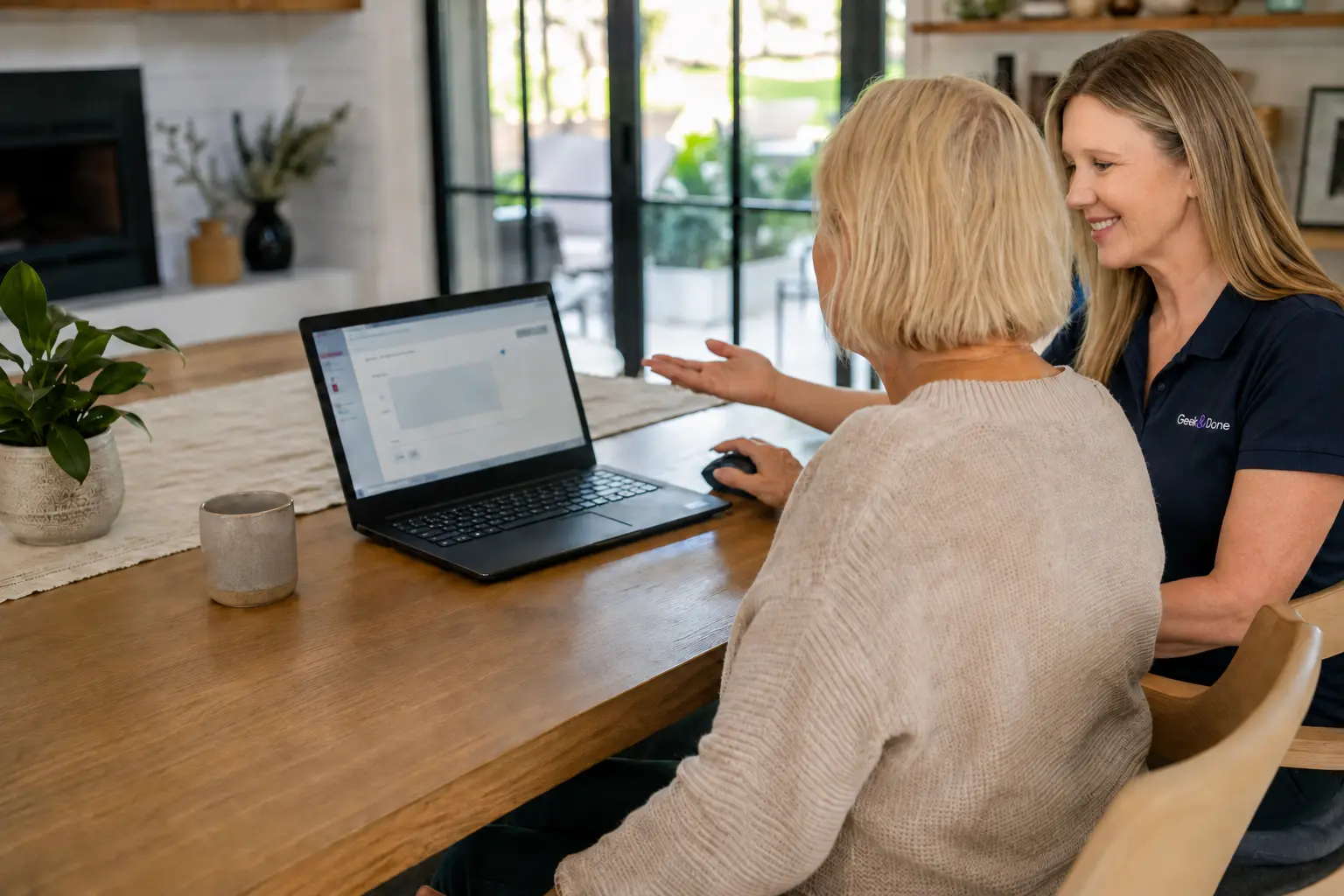
Tech, Explained
Private, patient technology lessons. Ask questions, take notes and go at your own pace.
Explore private lessons
Personal technology help for San Diego-area homes.
Whether you want to fix something, set it up, learn how to use it, or bring order to your digital life, get practical help at your pace, with patient explanations and everyday language.
Remote help or in-home appointments throughout the San Diego area
Based in La Mesa and serving the San Diego area.
You don’t need to identify the right service. Start with what you’re trying to accomplish.
Simple, human, and built around you.
Complete a short form and describe what is happening in your own words.
I’ll review your request and respond within one business day with the recommended service method, estimated time, price and next steps.
We’ll meet remotely or in your home. Afterward, I’ll send you a clear, straightforward recap.
“As a senior citizen, I had used the same computer for 20 years. When I finally bought a new laptop, I quickly realized there was more to getting started than simply turning it on. Charmaine was fantastic. She set up everything I needed, personalized it for me, and explained things clearly along the way. I couldn’t have done it on my own. Now I’m enjoying my new computer more than ever!”
Tony G.San Diego, CA
“I highly recommend Charmaine for tech help! She has helped me numerous times, including setting up my Smart TV, which honestly made me feel stupid. She was patient, got everything working, and talked me through it step by step so I knew what to do going forward. She is the best!”
Don V.Chula Vista, CA
“When I got a new computer, I had problems getting several programs to work together. Everything has gotten so complicated. One program can create problems with another. Charmaine was patient and knew how to sort it all out. She has a way of making me feel comfortable, even though she knows so much more about technology than I do. I can’t tell you what a relief it is to have my computer up and running properly. I guess I won’t have to use that hammer after all!”
Michael W.Chula Vista, CA
Usually, getting connected takes little more than opening an email and following a link. If you would like help with that step, I can talk you through it by phone.
Learn how remote help worksRemote access only begins during the appointment you requested.
The secure connection ends when the session does.
See what is happening and end the connection at any time.
Passwords and security codes are never requested or retained.
Sometimes the goal is not fixing a problem. It is learning something new, preserving what matters, or making a task less tedious.
Private, patient technology lessons. Ask questions, take notes and go at your own pace.
Explore private lessons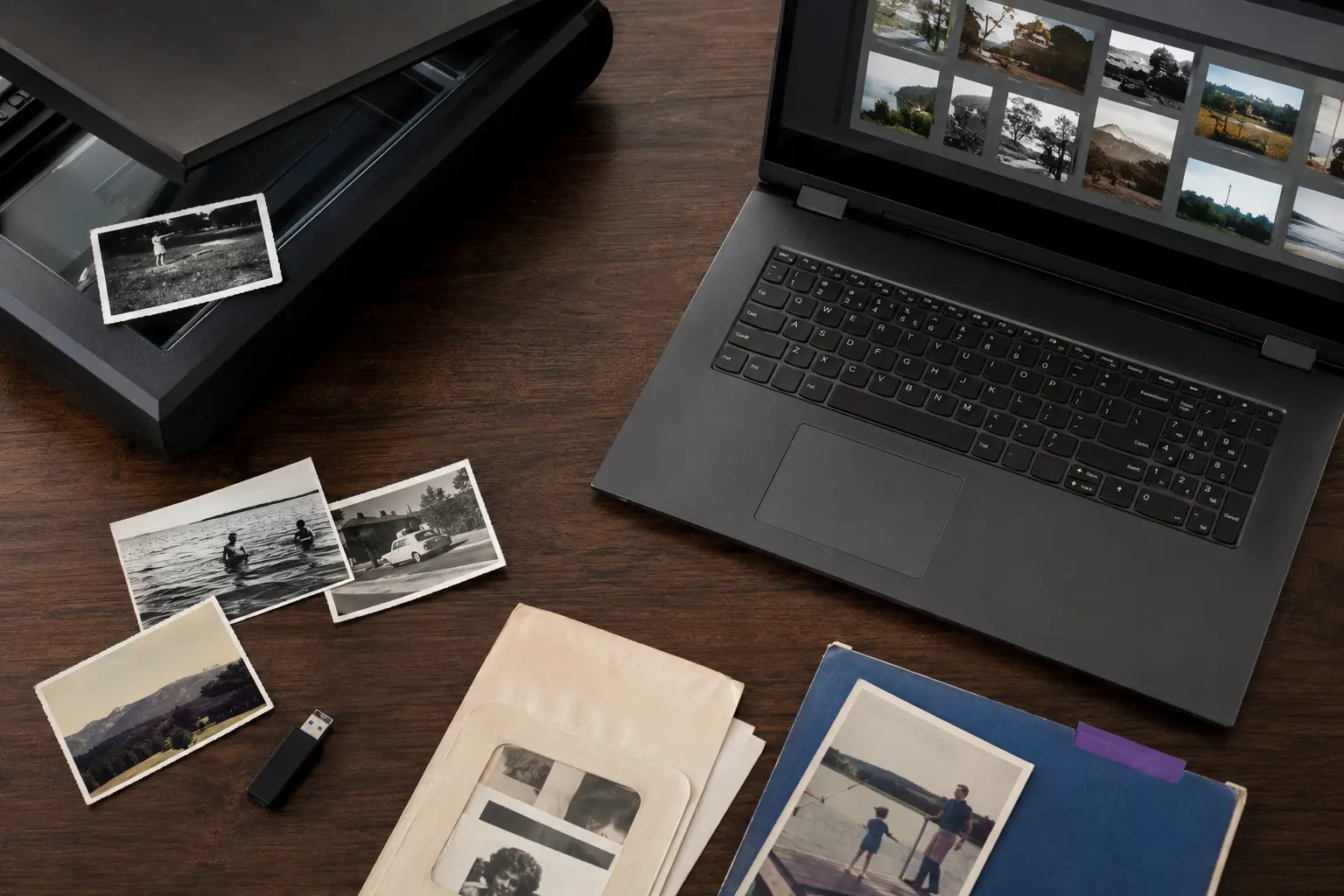
Organization, scanning, Photoshop desktop, Lightroom Classic and light restoration, because your photographs deserve better than a mystery folder named “misc.”
See photo servicesMy background includes more than 15 years working with technology, data, systems, process improvement, and direct clients. I use that experience to recognize what matters, work carefully, and explain the solution clearly in everyday language.
See real examplesStarting prices and appointment lengths are published upfront.
View pricing & processYou can start a request for a parent, partner, relative, or friend. They’ll be included in the process and remain in control of their devices and accounts.
Get occasional tips, new helpful guides, and Geek & Done updates. Unsubscribe anytime.
I’ll help identify the service and next step that make the most sense.