Real examples of how I approach complicated technology.

Start with what you want to accomplish, in your own words. My job is to understand the goal, protect what matters, simplify where possible, and explain the result in a way you can use afterward.

Care with important information

A complicated Microsoft setup with important files at stake

The situation

In a recent business engagement, I inherited a Microsoft setup spread across personal storage, shared locations, multiple accounts, and years of active files.

What I did

I worked out what belonged where, created a clearer structure, moved active information carefully, verified the results, corrected access issues, and wrote instructions so the system could be understood and maintained using clear written guidance.

What that means for you

Your everyday technology may be different, but the method is the same: understand the goal first, protect important information, make changes deliberately, verify that they worked, and leave you knowing what happened.

Conceptual illustration based on an anonymized professional engagement.

Teaching that meets the learner

Making a technical subject clear and approachable

The situation

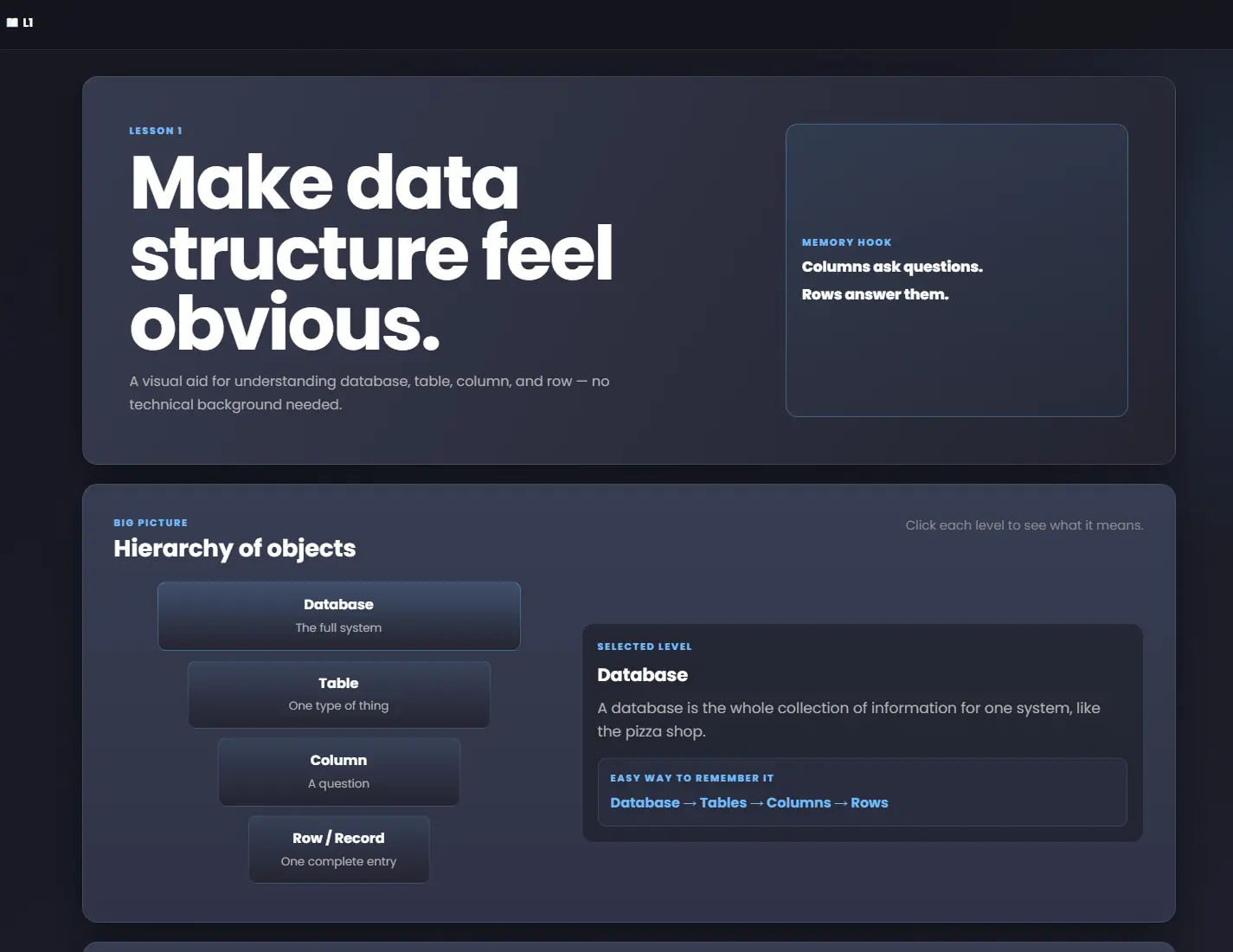
Someone close to me was learning database concepts that are often taught through terminology and syntax first.

What I did

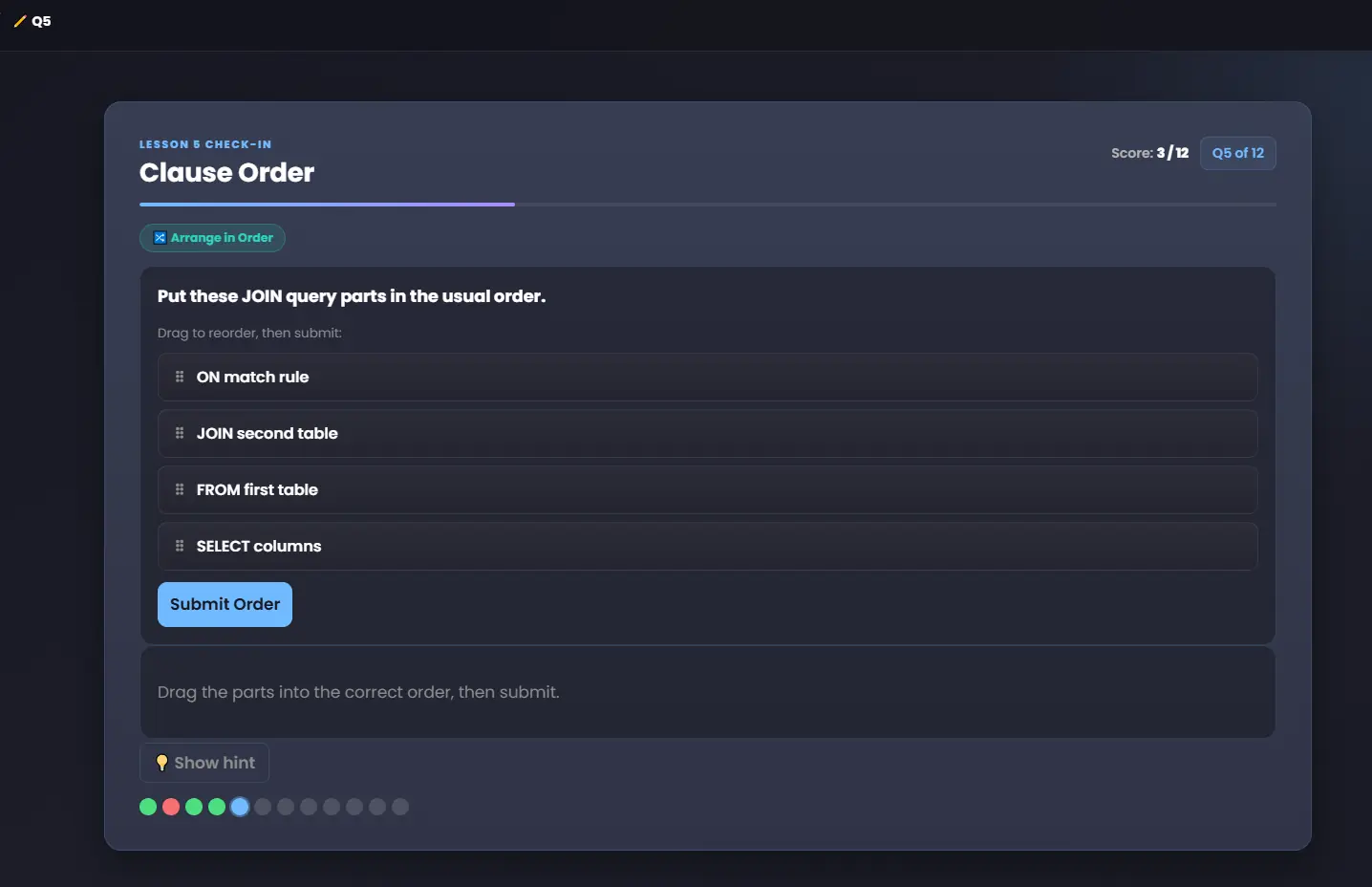
I created an interactive learning site using visual explanations, practice questions, matching, query-order exercises, and immediate feedback so the ideas could be learned by doing rather than memorizing definitions.

What that means for you

A technically correct answer is most useful when it also makes sense to you. If you want to understand what I am doing, I’ll explain it in a clear, approachable way.

Short, silent demonstration

A technical idea, made easier to understand

Nine seconds showing a visual explanation, a practice exercise, and immediate feedback. The static examples on this page contain the same essential information.

“When I started, my understanding of databases was very limited. A few months later, I feel much more proficient and confident navigating databases and using basic SQL. The lessons use infographics and explanations to show you not only what to do, but why you’re doing it. Each SQL statement is broken down into manageable steps, making concepts that initially seemed complicated much easier to understand. The combination of clear instruction, visual explanations, hands-on SQL practice, quizzes, homework, and easy access to previous lessons has made a significant difference in my learning.”

Nick Y.Database training learner and Charmaine’s brother

Start with the actual goal

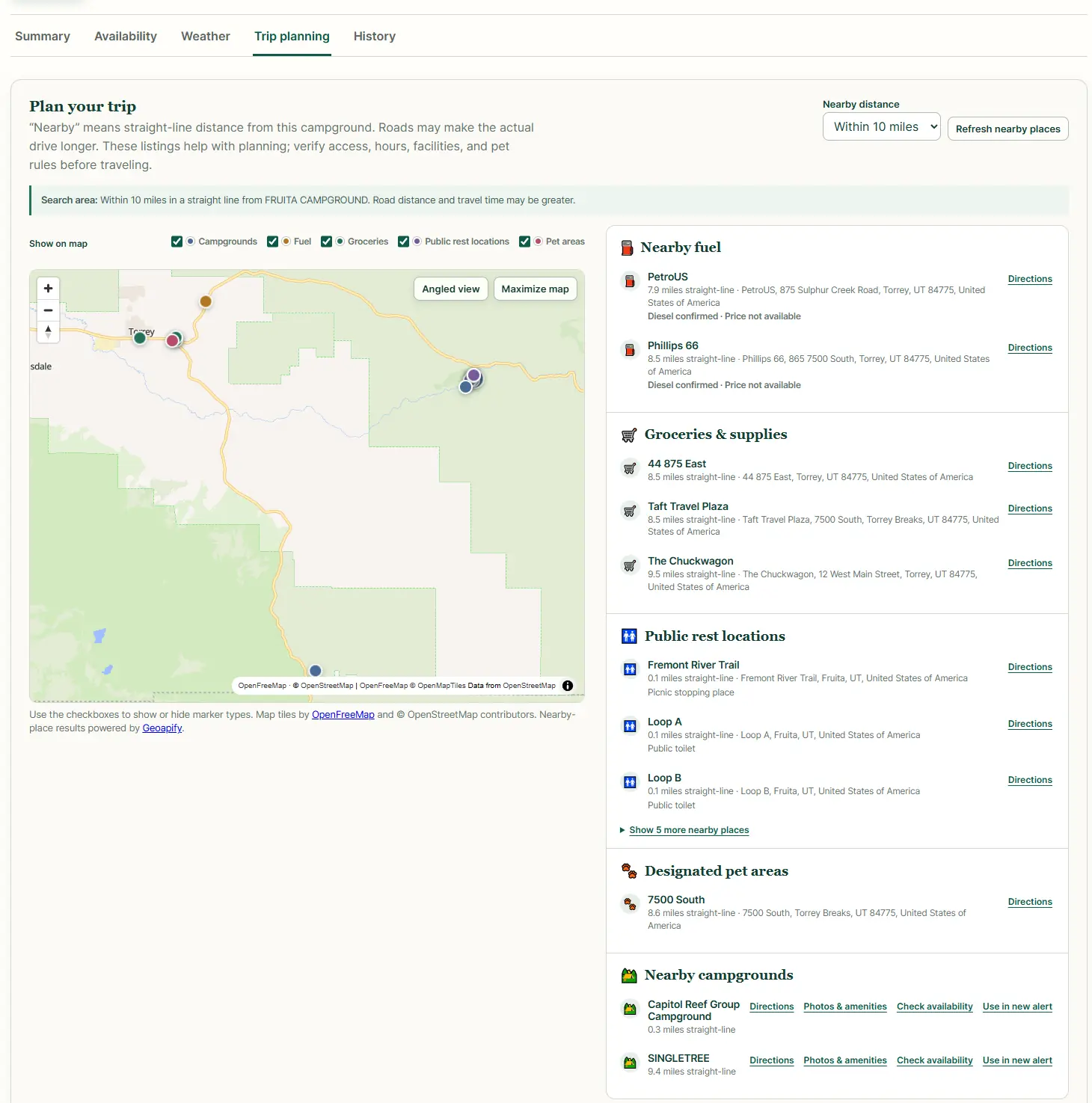
A campsite search that needed a simpler way

The situation

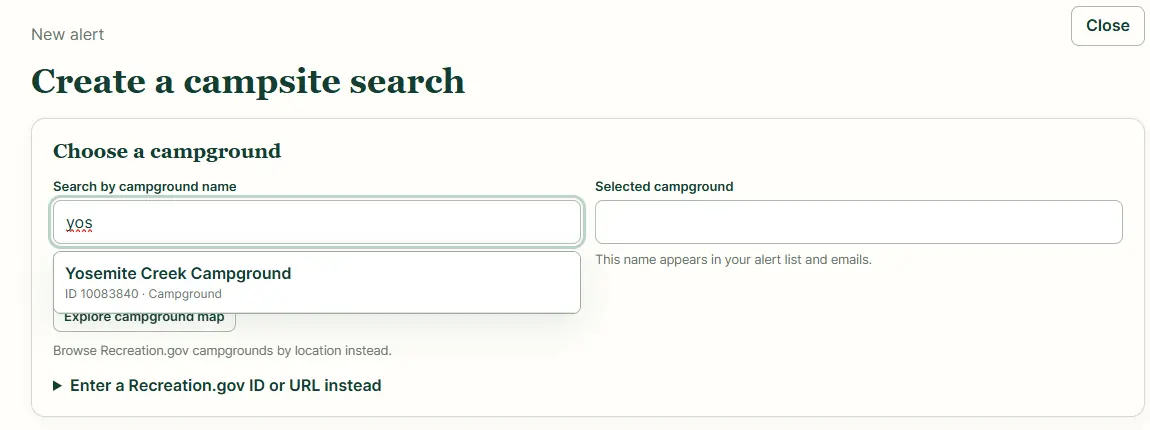
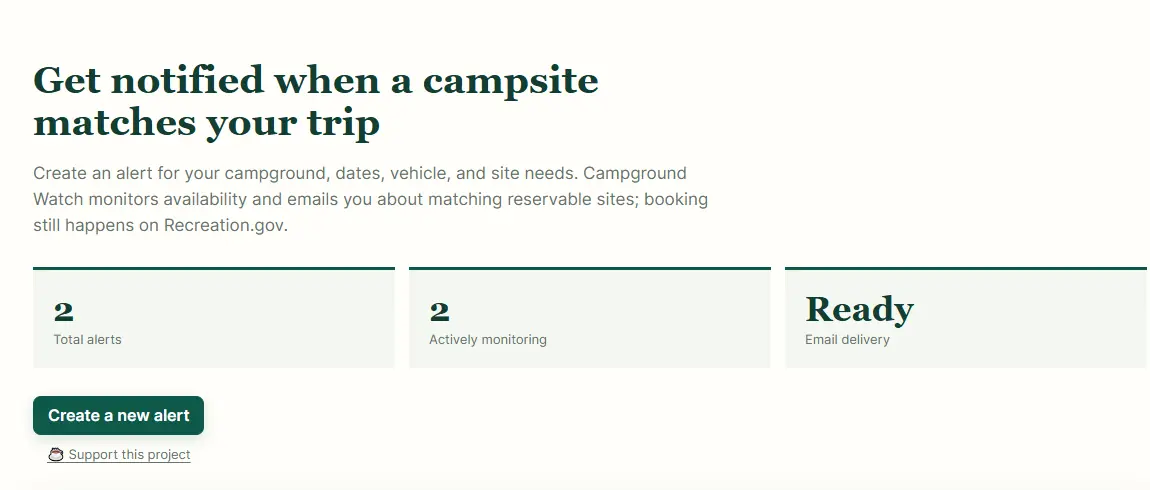
A friend wanted a more dependable way to know when a campsite matching her trip became available.

What I did

I worked through what she actually needed to know, built a focused way to monitor those criteria, and refined it after she used it and wanted to share it with someone else.

What that means for you

Sometimes the useful question is not “Which button do I click?” It is “What are you actually trying to accomplish?” I start there.

Small personal and community tools may be available through Geek & Done. Business applications and commercial systems are handled separately.

Short, silent demonstration

From campsite search to practical trip planning

Twelve seconds showing focused search criteria, monitoring status, weather context, and nearby trip resources. This was a focused tool designed for small-scale personal use.

Organizing information that has grown messy

When everything lives in a different place

The situation

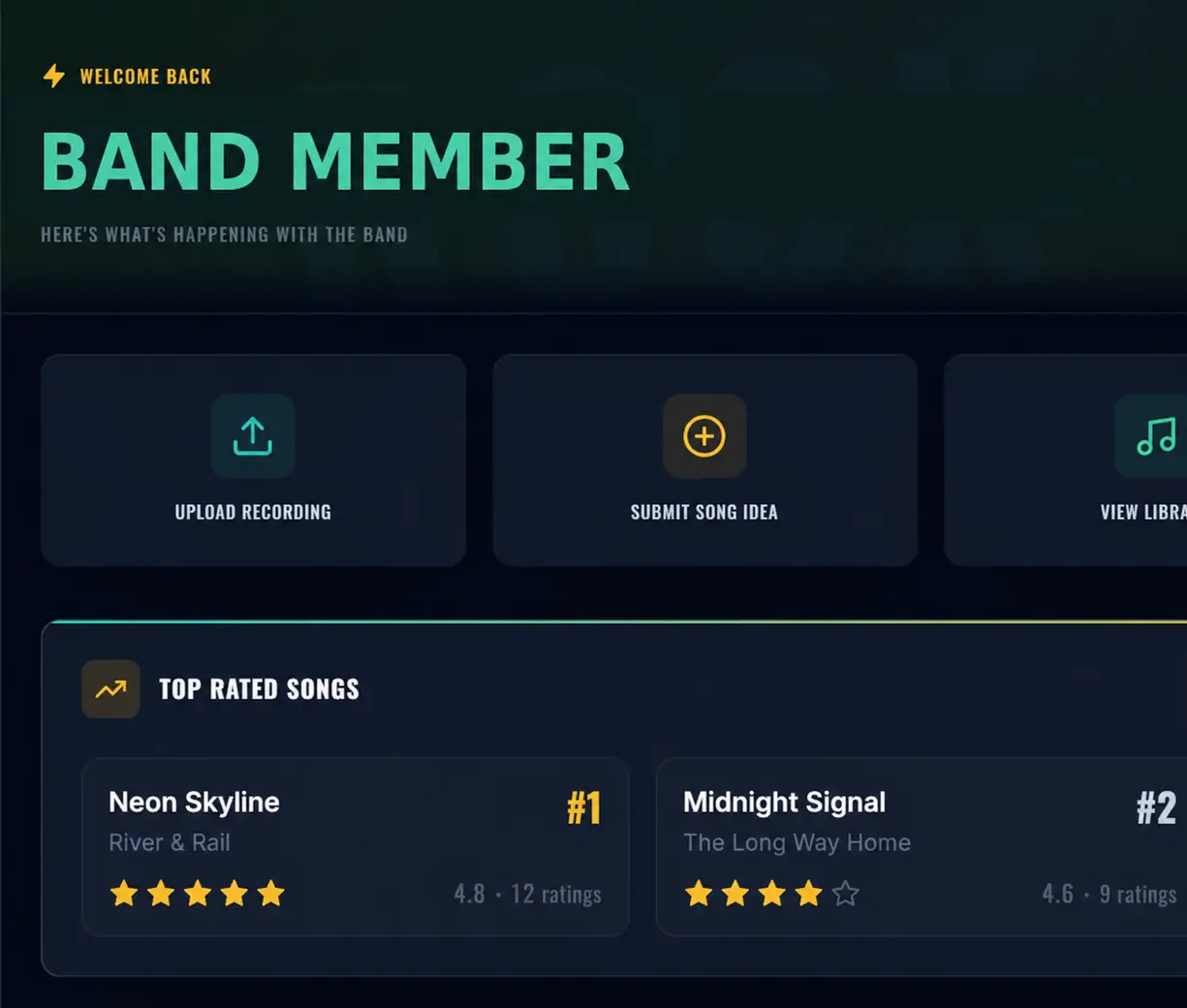
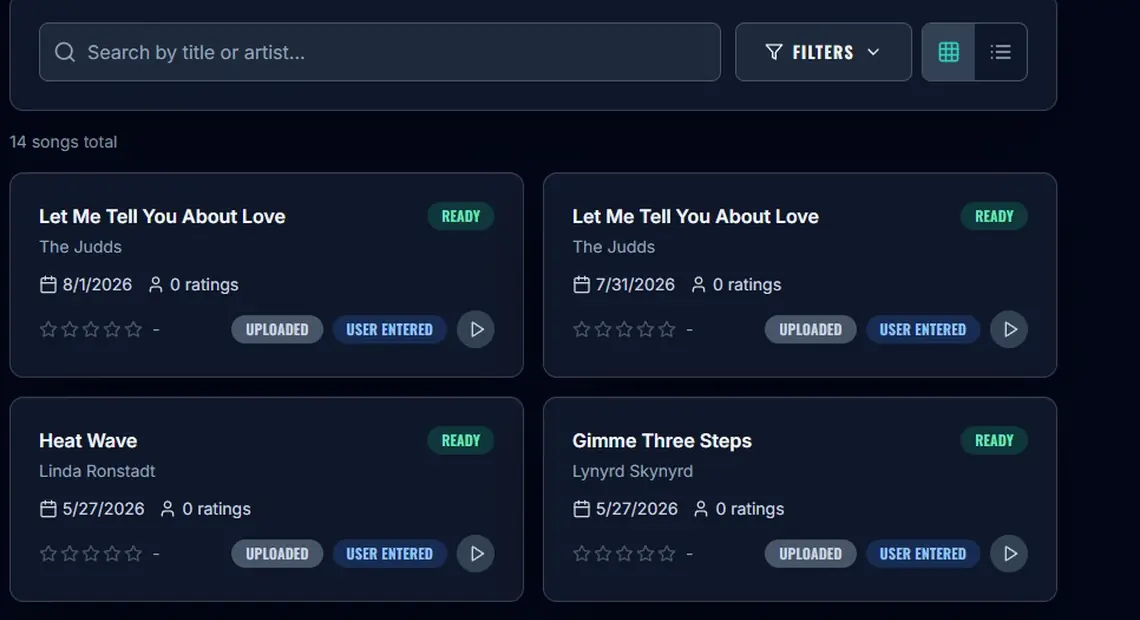
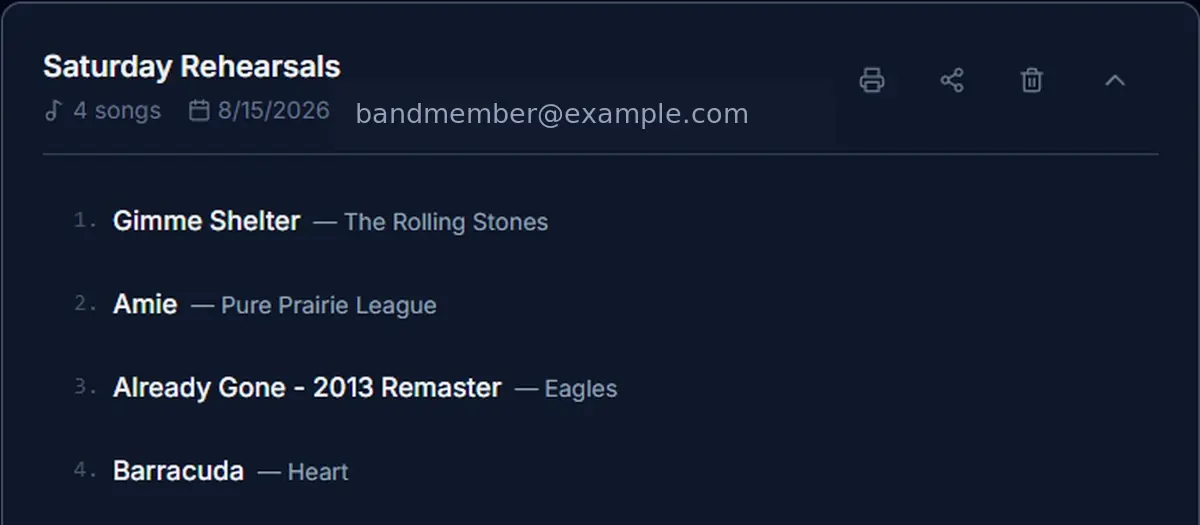
A music group had useful information spread across different places—announcements, song ideas, recordings, playlists, setlists, and decisions people needed for rehearsals.

What I did

I worked out what information people actually needed, grouped related tasks together, and created one clear place for the group to find updates, songs, recordings, setlists, and other shared information.

The technology happened to be a custom tool, but the important part was deciding what belonged together and making the finished system easier to understand and maintain.

What that means for you

Your information may be scattered across folders, email, texts, spreadsheets, cloud storage, notes, or several different apps. I can help sort out what belongs where, reduce unnecessary duplication, and create a structure that is easier to find your way around later.

The right solution may be a small custom tool—or simply a better way to use the tools you already have.

Geek & Done may create small, focused tools for personal, educational, creative, or community use. Business applications and commercial systems are handled separately.

Selected views from a private, login-protected application, shown here with identifying details removed.

Useful help. Lasting confidence.

Get it working—and feel confident moving forward.

You’ll understand what changed, what to expect next, and what you can comfortably handle on your own. If another kind of specialist would serve you better, I’ll explain that clearly and point you in the right direction.

Request Help